"Where did that thing I copied go?"
Overwritten, gone
The clipboard holds one item. Your next copy erases the last one forever.
App-switching marathons
Notes, chat, browser, back again — just to move one piece of text.
{ }
Typing the same lines
Greetings, addresses, account numbers. Stop retyping what you've typed before.
HISTORY
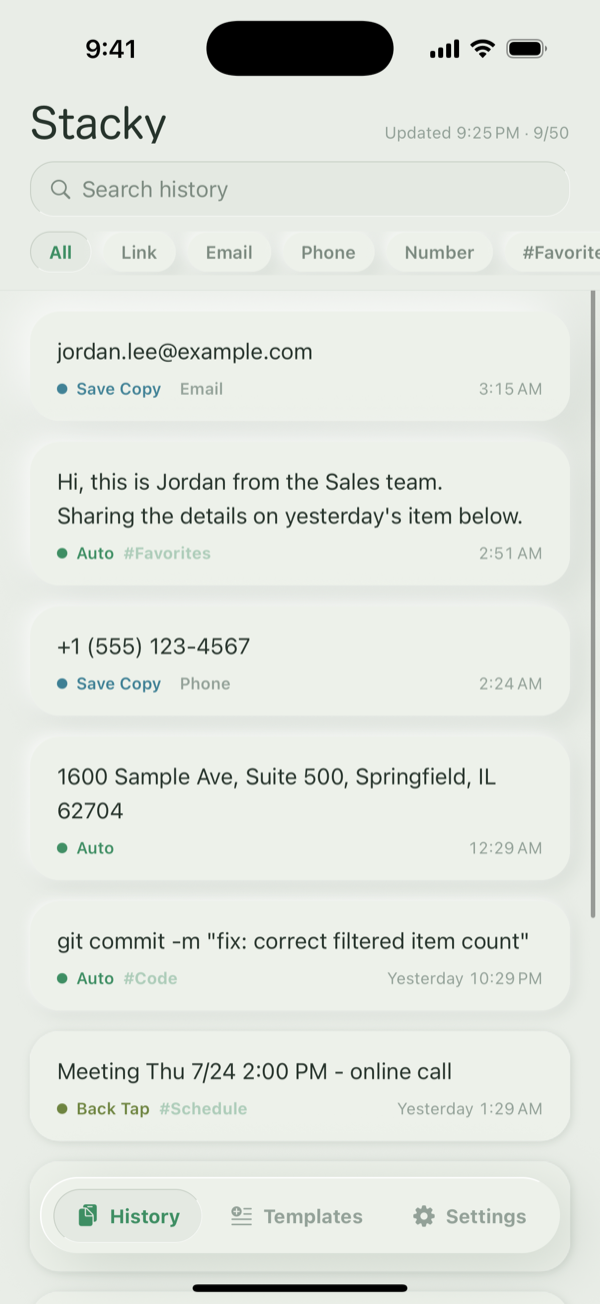
History that stacks up.
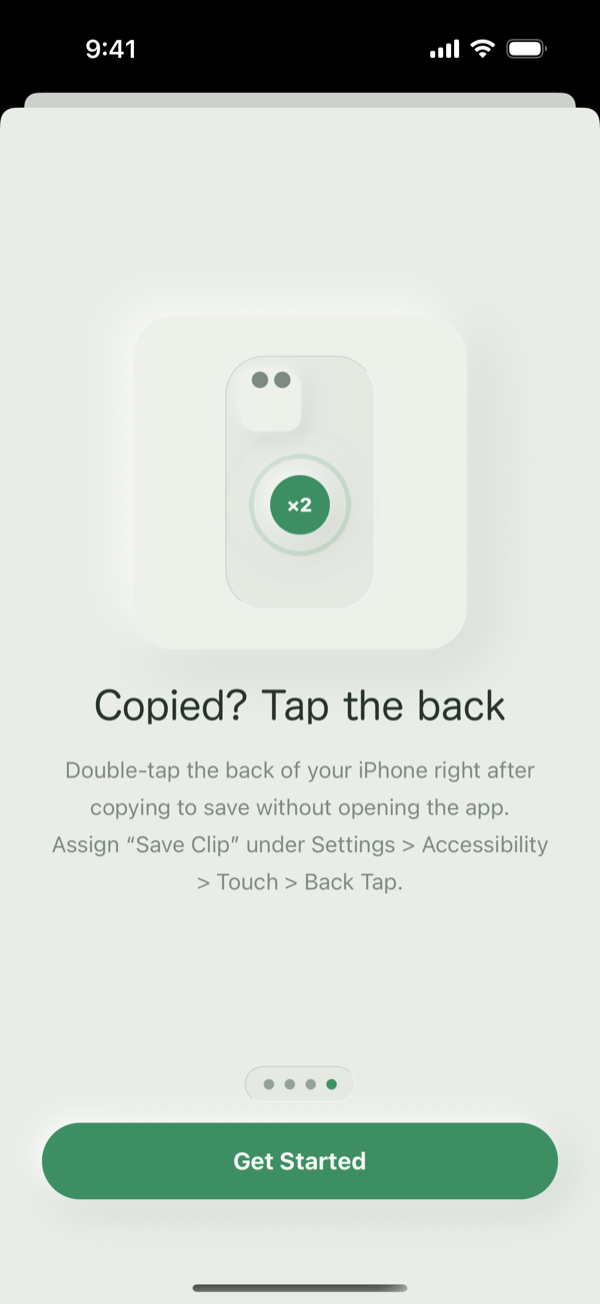
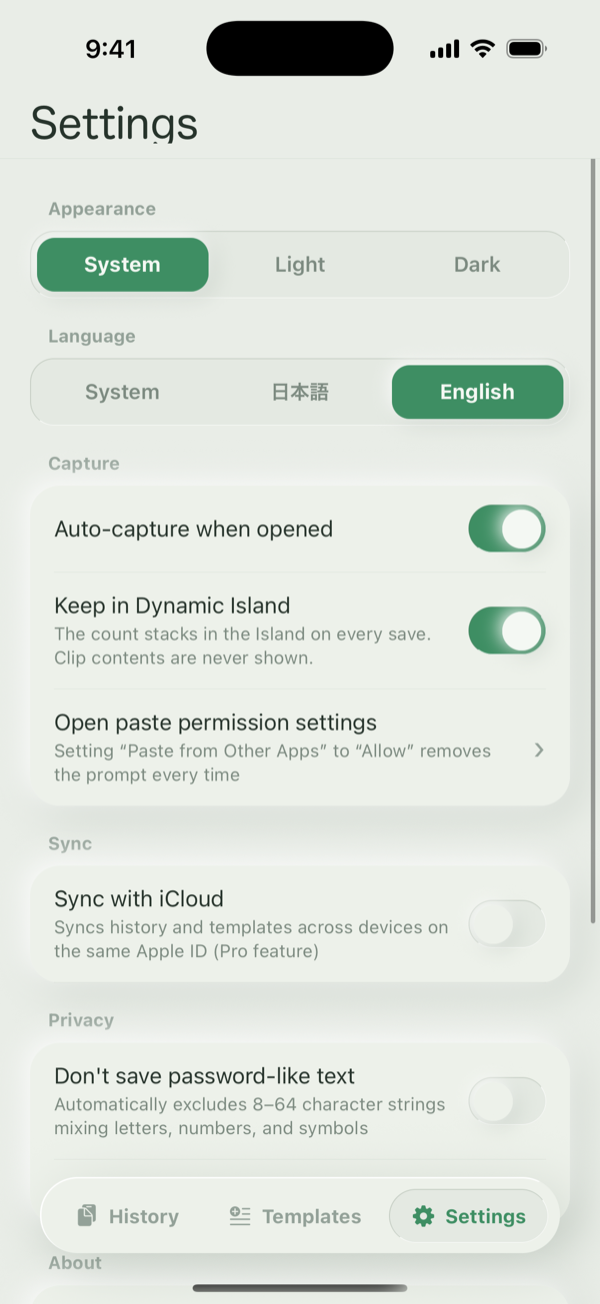
Auto-captured the moment you open the app. Stack clips with "Save Copy" in the share menu, or a double-tap on the back of your iPhone.
AUTO-SORTING
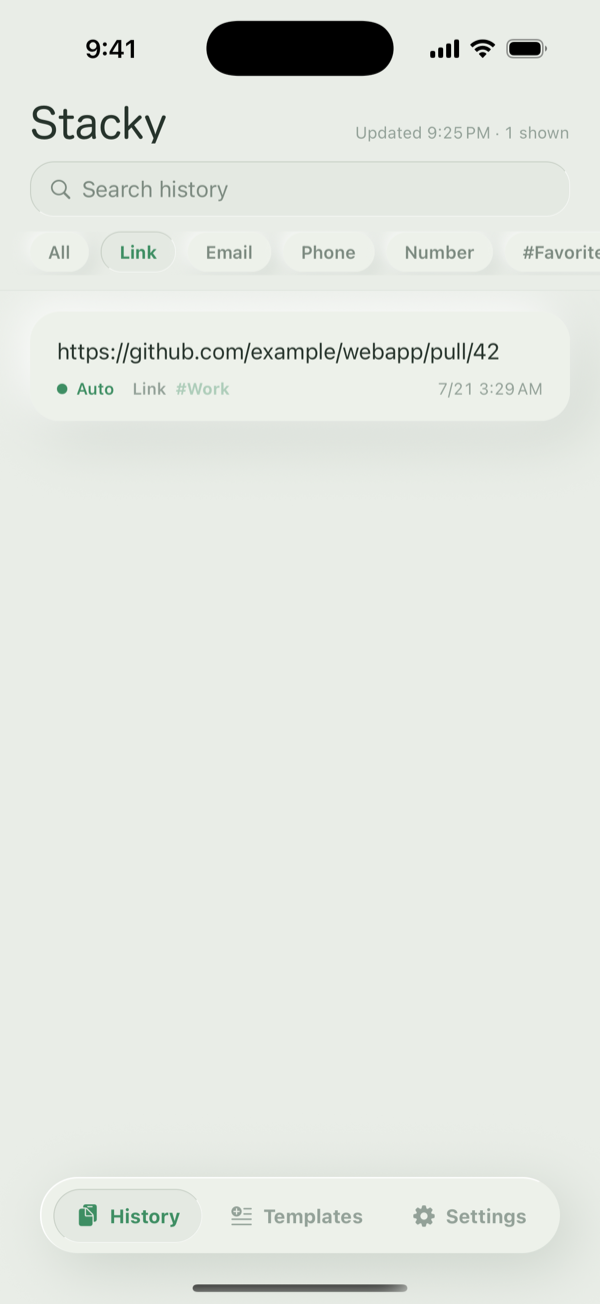
Links, emails, phones —
sorted automatically.
Types are detected and tagged on the fly. With manual tags and filters, finding beats searching.
SNIPPETS
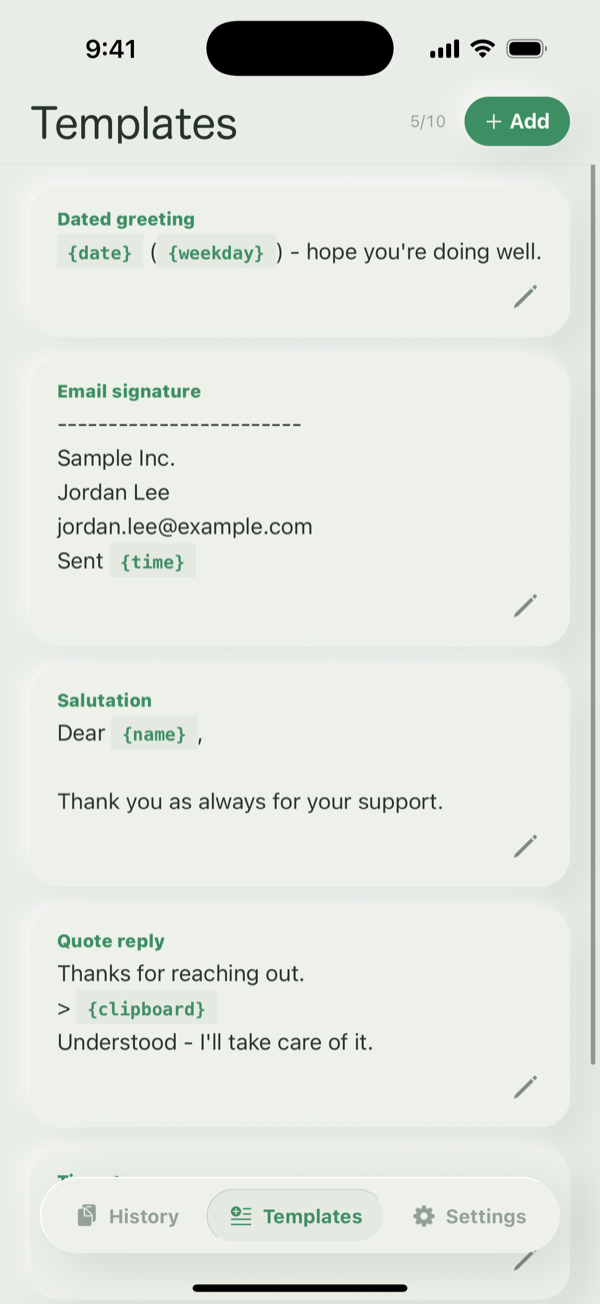
Snippets with variables.
{date} and {name} fill in right when you copy. Write your greetings and template replies once — done.
MAC
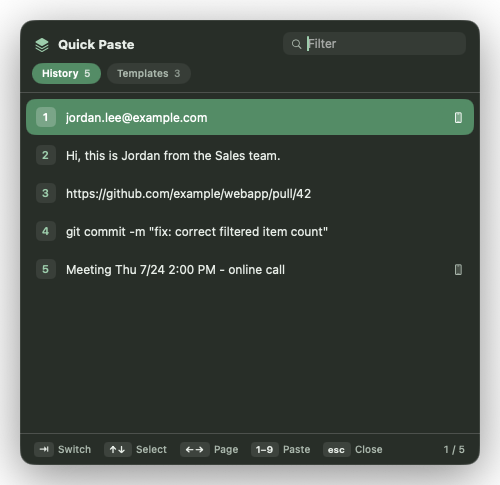
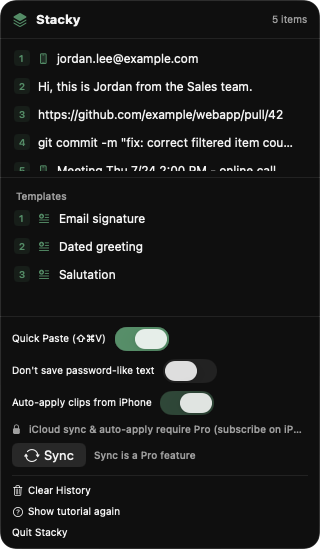
Stacks on Mac too.
Paste with ⇧⌘V.
Lives in your menu bar. The ⇧⌘V Quick Paste palette puts history and snippets one number-key away — with instant search.
SYNC
Save on iPhone,
⌘V on Mac.
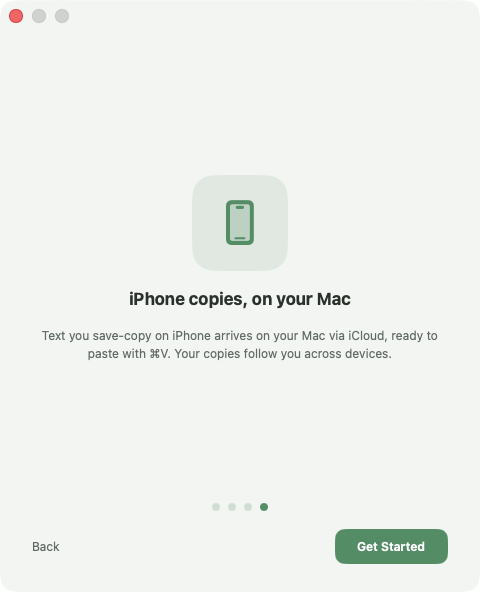
Saved copies reach your Mac through your own iCloud. Copy on the go, paste when you sit down.
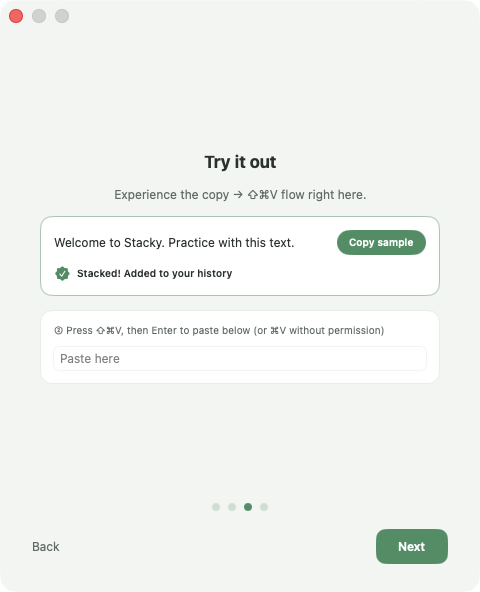
Three steps. That's it.
1
Copy
In any app, like you always do.
2
It stacks in Stacky
Auto-captured on open, or with a back tap. On Mac it's automatic.
3
Tap to copy again
Tap on iPhone, ⌘V on Mac. That thing from earlier — right back.
PRIVACY
Your clips stay on your device
and your iCloud. Period.
✓
Nothing sent to external servers
✓
No ads, no tracking
✓
Optional password-like text exclusion
See the Privacy Policy for details.
Unlimited stacking, $1.67/mo.
One Pro for iPhone and Mac. Cancel anytime from the App Store. Prices in USD — you're charged in your local currency.
Free
$0
✓50 clips of history
✓10 snippets
✓All capture methods (auto-capture, Save Copy, Back Tap)
✓Auto-sorting & tags
Recommended · $1.67/mo

Stacky Pro
$19.99/yr
$2.99/mo · $39.99 lifetime
✓Unlimited history
✓Full-text search
✓Custom variables
✓iCloud sync + Mac (one Pro, all devices)
FAQ
What's the "Allow Paste" banner?
It's an iOS confirmation shown when an app reads a copy made in another app. Set it to "Allow" once in Settings and clips come in without the prompt. Stacky never sends your clips anywhere.
Where are my clips stored?
Only on your device. If you enable Pro's iCloud sync, they travel through your private iCloud database — no third party, including the developer, can read them.
Where do I get the Mac app?
Directly from this site (outside the App Store). It's notarized with Apple's Developer ID, so Gatekeeper verifies it before install.
How do I cancel?
Anytime from your App Store subscription settings. After cancelling, the free tier (50 clips / 10 snippets) keeps working.
Will my data survive a new phone?
With Pro's iCloud sync enabled, just sign in with the same Apple ID and your history and snippets come back.
Supported OS versions?
iPhone on iOS 16.4 or later, Mac on macOS 13 or later. v1 is iPhone-only (iPad is under consideration).